
Updated August 2026
Does incognito mode save history?
No - and that single accurate fact is the source of every misunderstanding about private browsing. Your device keeps no history. Six other places might.
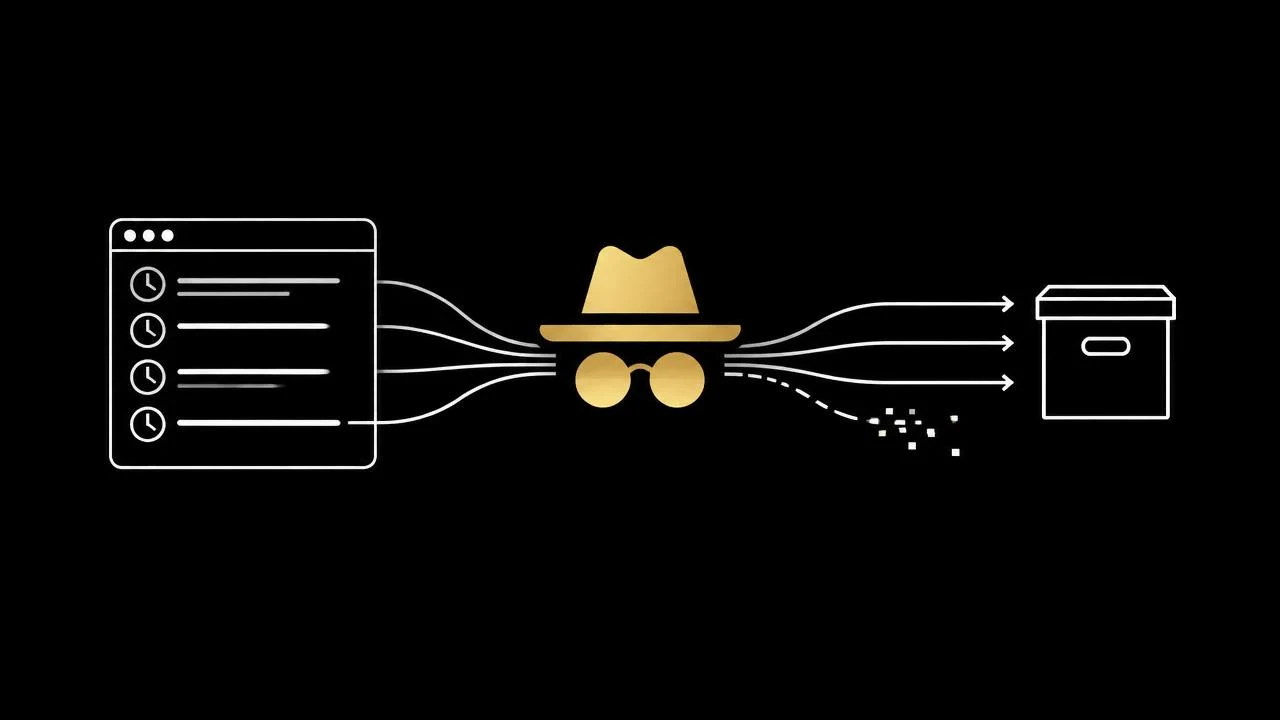
What is genuinely not saved
- -Browsing history entries for pages opened in the private window.
- -Cookies and site data, which live in a temporary container and are discarded on close.
- -Cached files and form entries, including address-bar autocomplete.
- -Sessions - you are signed out, so nothing is attributed to your accounts by the browser.
Where the record still exists
- -Your search engine's query logs, which include the query text and your IP.
- -Your internet provider or mobile carrier, which resolved and routed the request.
- -The router or corporate network you connected through.
- -Any account you sign into during the private session.
- -Downloads, bookmarks and screenshots you created deliberately.
- -The operating system's DNS cache, until it is flushed.
The network side is covered in can the WiFi owner see your incognito history.
How to check what your device kept
- -Open your normal browser history - private visits should be absent.
- -Check your downloads folder, which persists regardless of mode.
- -Review your search-engine account activity page if you were signed in anywhere.
To clear the records that do exist, work through how to delete your search history everywhere.
Not saving beats deleting
Deletion is a cleanup step performed on a record that already existed. DeepIncognito removes the step: queries are never logged, nothing is written to the device, results erase on one tap, and the session auto-destructs after inactivity. There is no history to save or recover.
Frequently asked
Search privately. Leave no trace.
DeepIncognito is a private search layer with one-tap erase and sessions that auto-destruct on inactivity.
Try a private search