
Updated August 2026
Private search engines compared
Every engine calls itself private. The differences that matter are narrow and testable: does it log the query, does it build a profile, and can you make the results disappear? Here is where four options land.
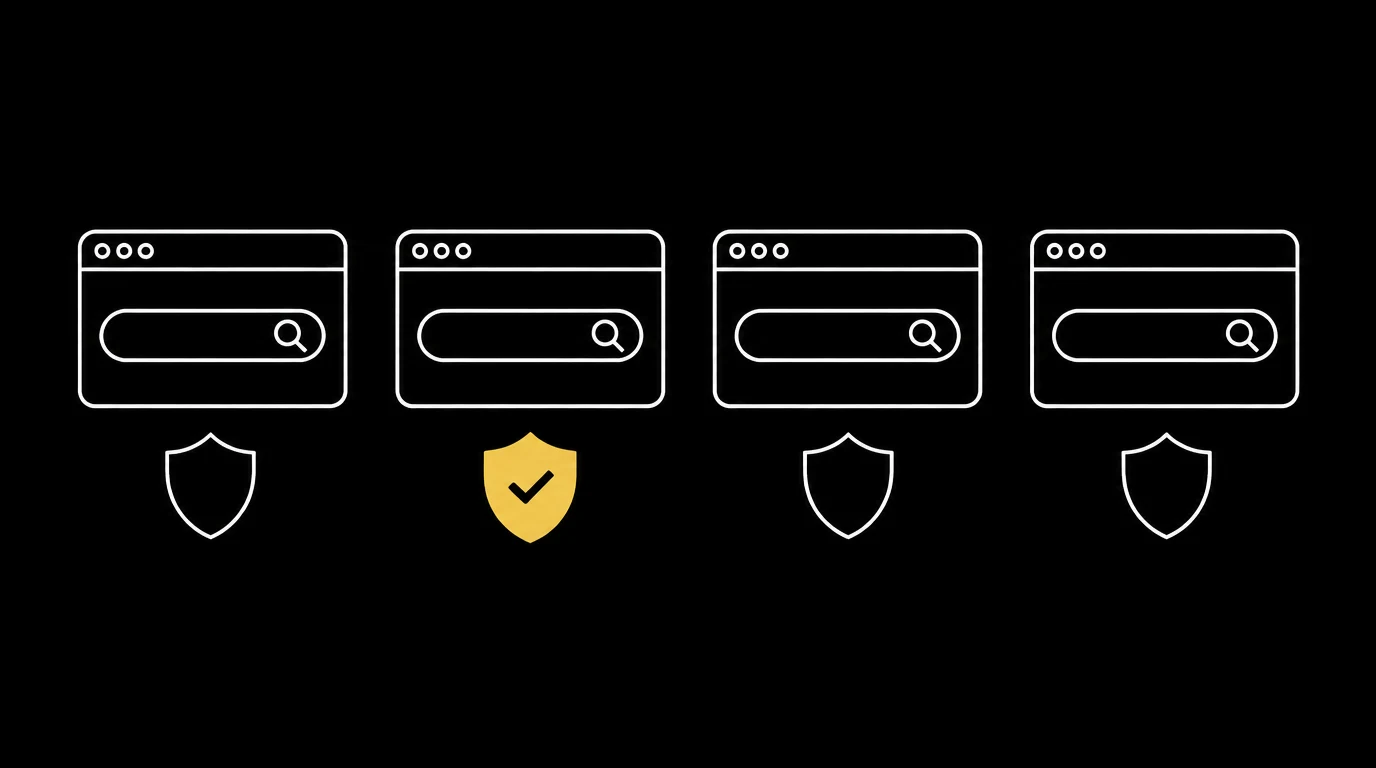
Feature comparison
| Feature | DeepIncognito | Startpage | Bing | |
|---|---|---|---|---|
| No query logging | ✓ | ✗ | ✓ | ✗ |
| No advertising profile | ✓ | ✗ | ✓ | ✗ |
| No local storage of searches | ✓ | ✗ | ✓ | ✗ |
| One-tap visual erase | ✓ | ✗ | ✗ | ✗ |
| Auto-destruct on inactivity | ✓ | ✗ | ✗ | ✗ |
| Built-in tunnel mode | ✓ | ✗ | ✗ | ✗ |
| No account required | ✓ | ✓ | ✓ | ✓ |
How to judge any private engine
Ask three questions. Does it retain the query text, and for how long? Does anything about the search persist on your device? Can you remove what is on screen instantly, without hunting through settings? An engine that answers well on all three is private in practice, not just in marketing.
Where DeepIncognito differs
Most private engines stop at "we do not log." DeepIncognito treats the visible session as part of the threat model: results are shown temporarily, the session self-destructs after inactivity, and the erase control dissolves everything on screen the moment you want it gone.
Frequently asked
Search privately. Leave no trace.
DeepIncognito is a private search layer with one-tap erase and sessions that auto-destruct on inactivity.
Try a private search